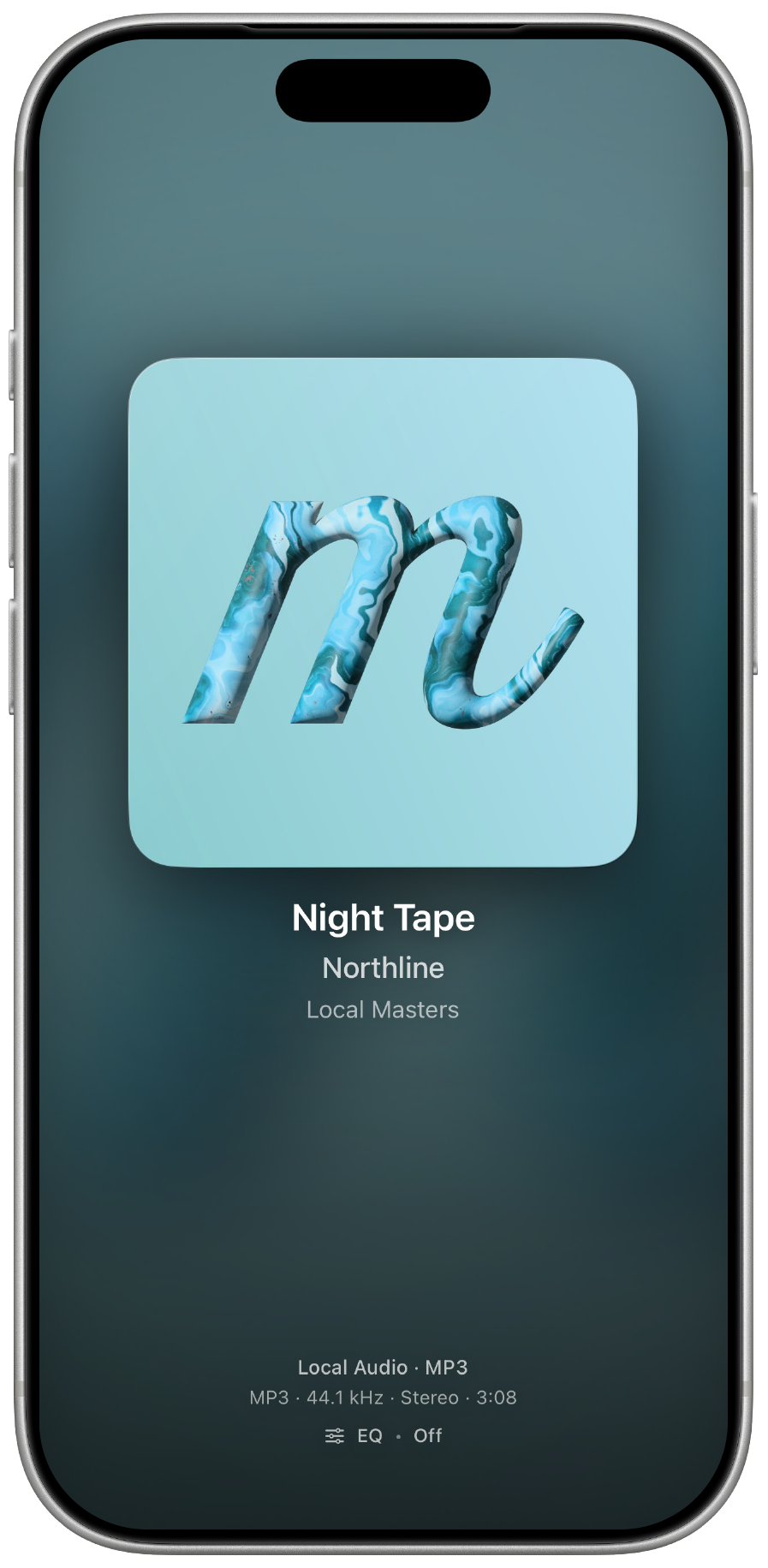
Local Audio
Choose a folder and play files stored on your iPhone.
 MuseDial
App StoreDownload
MuseDial
App StoreDownload
Turn the music.
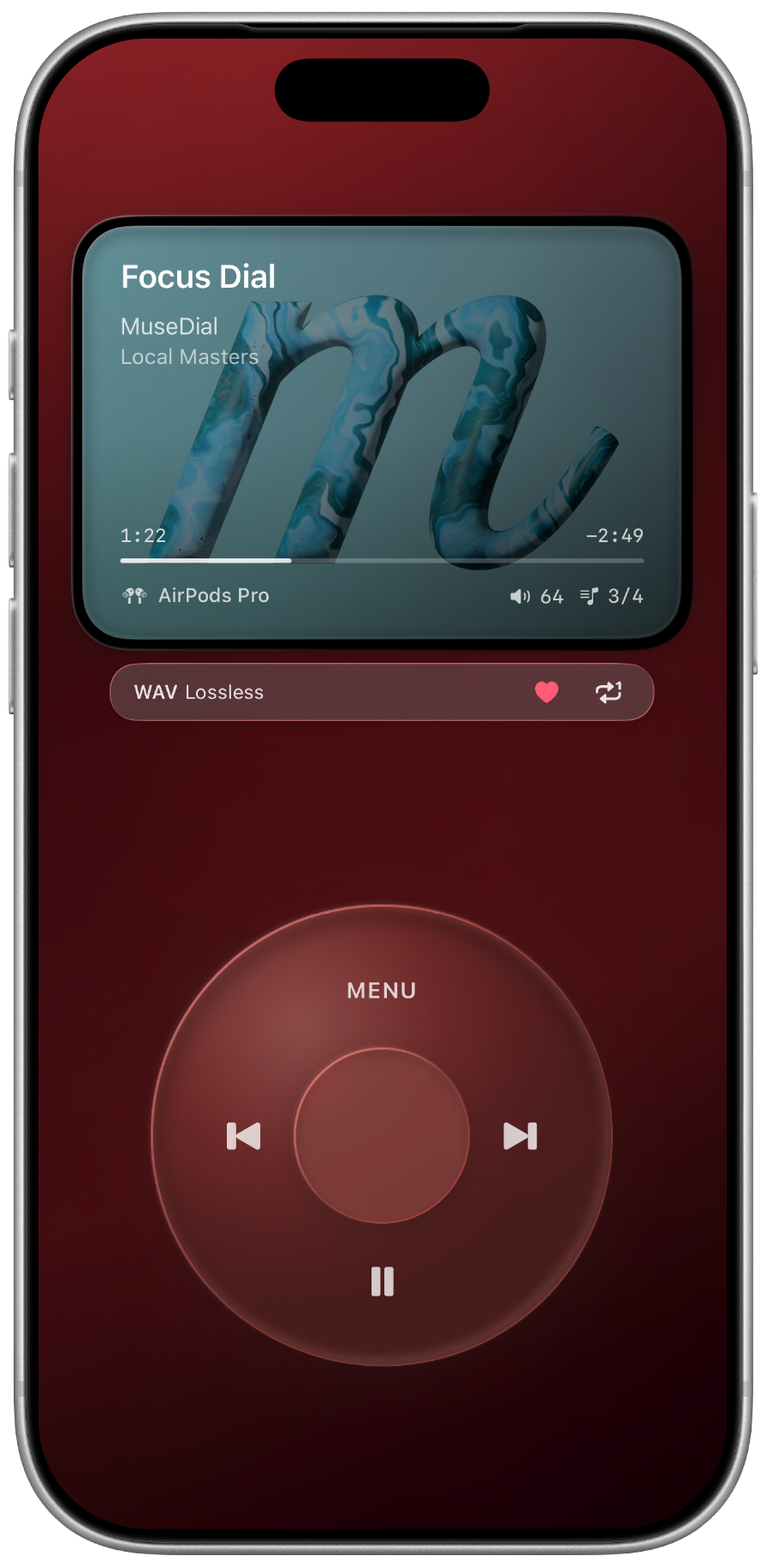
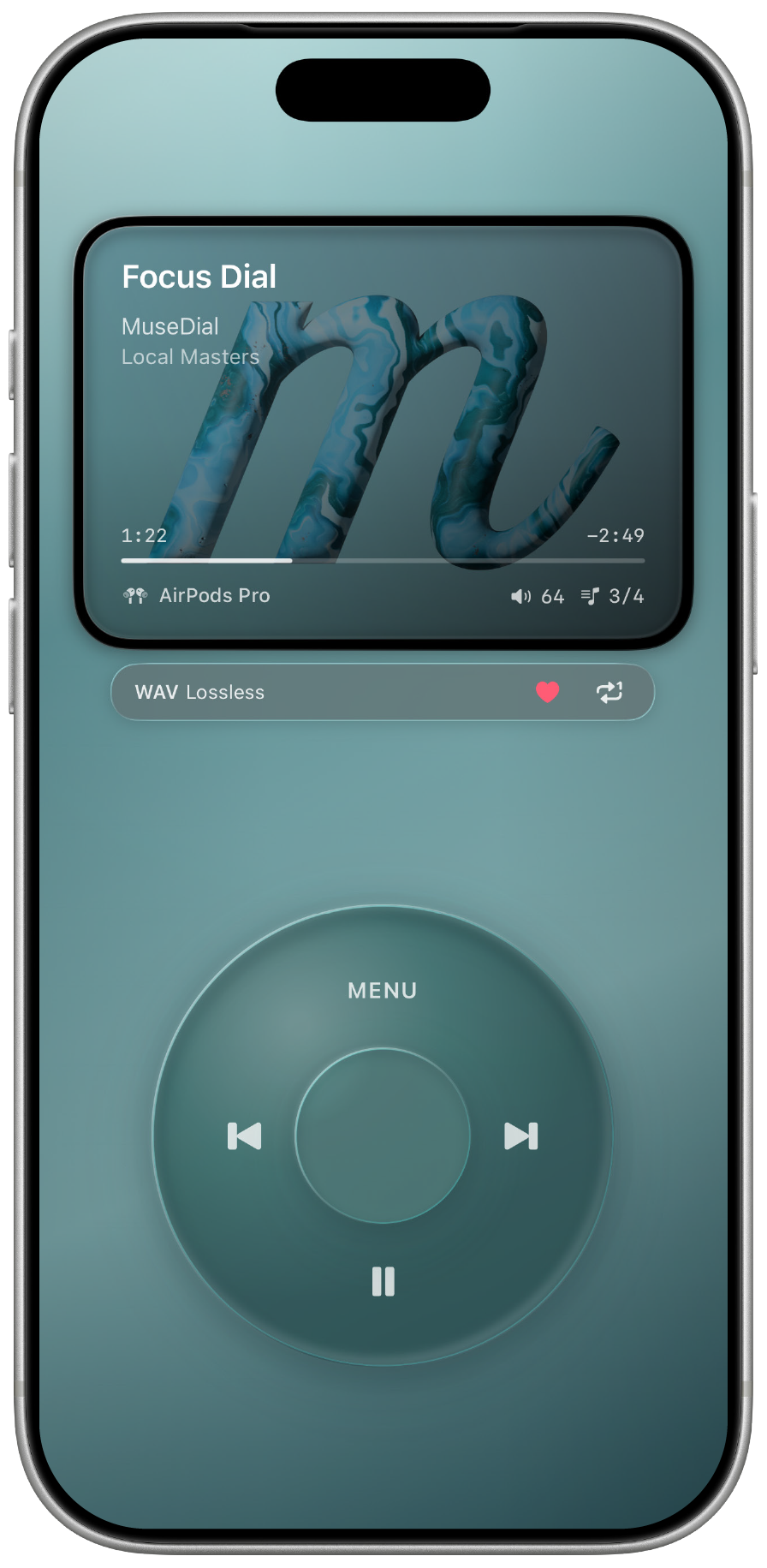
A tactile music player for iPhone with a glass dial, immersive album art, and support for Apple Music, local audio, streams, and recognition.
Concept
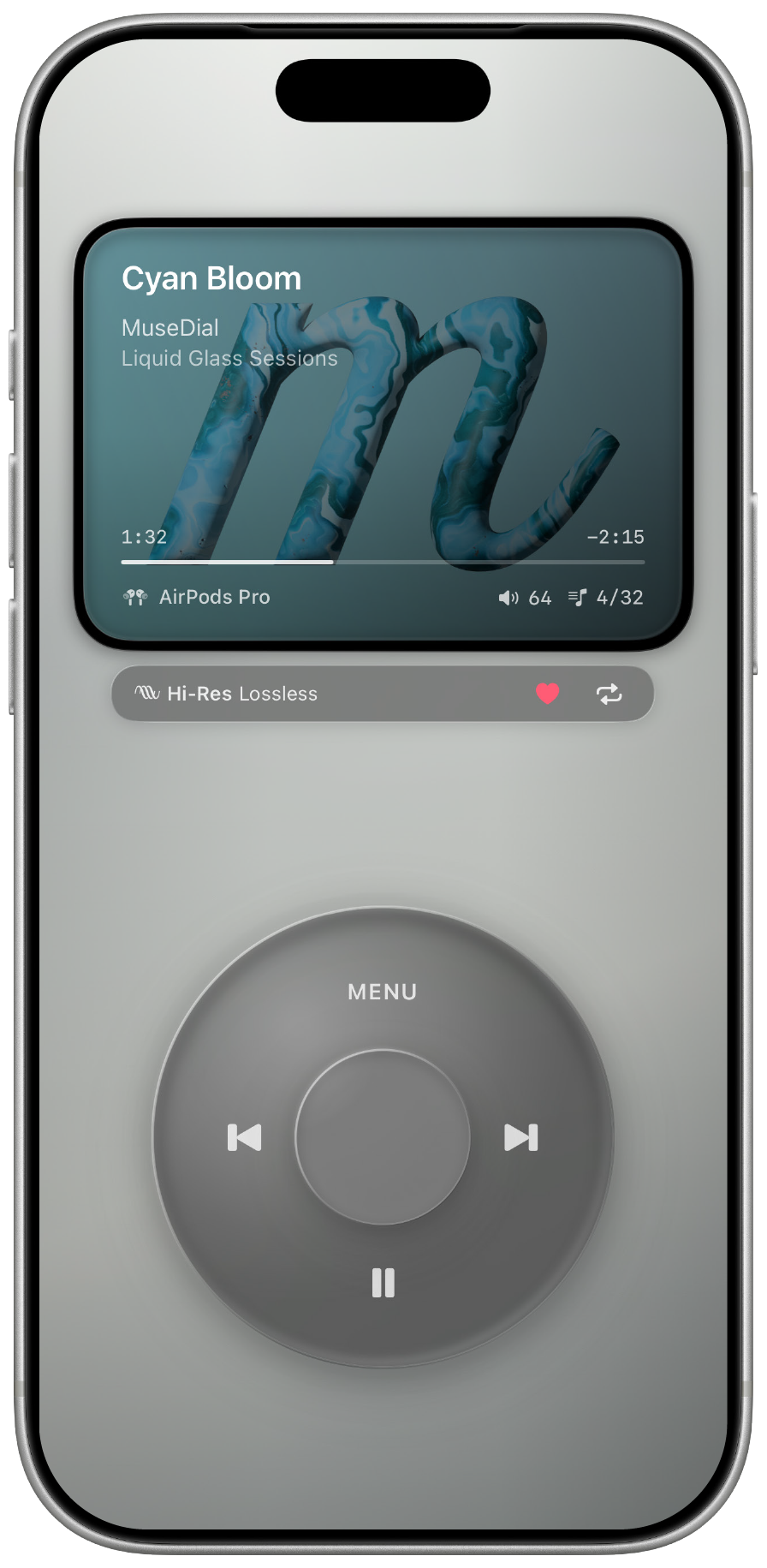
MuseDial is built around music, touch, and artwork - not clutter. A wide Soul Screen, a glass dial, and a focused interface give iPhone a more physical way to play music.
A player, not a mini OS.
A dial, not a gimmick.
Music first, always.
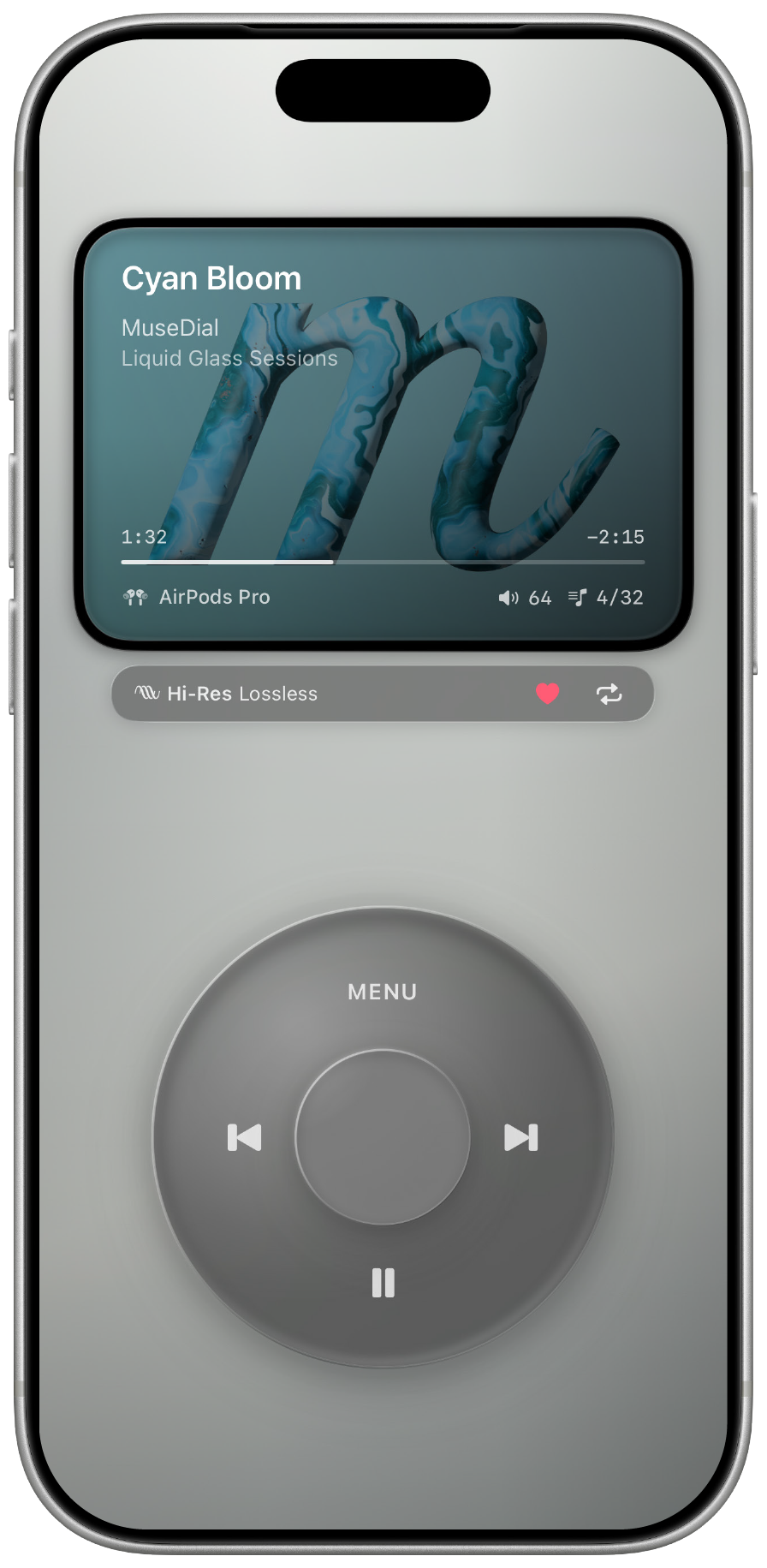
Music Player
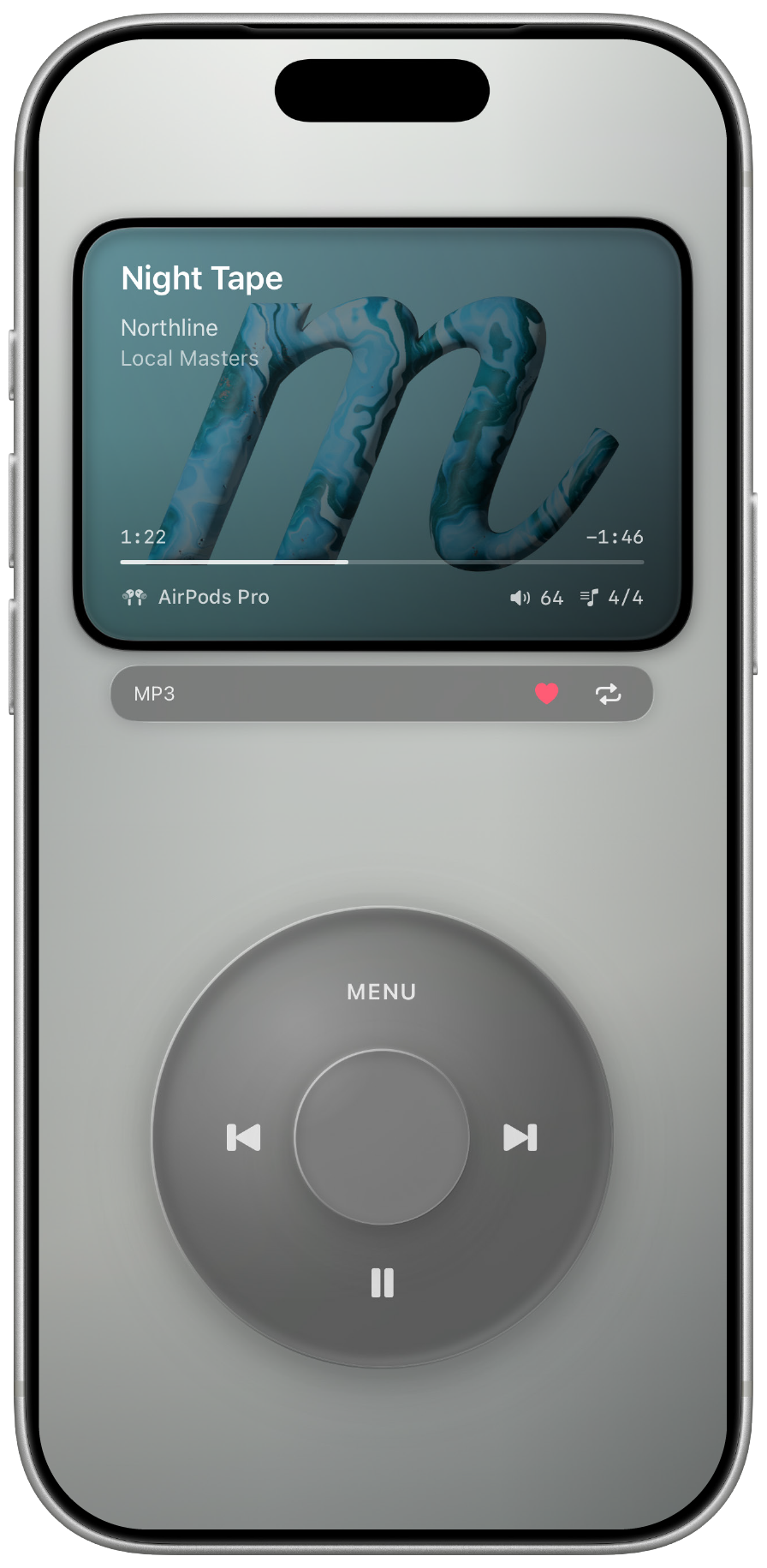
Playback, queue browsing, artwork, format, and output status live inside one focused interface.
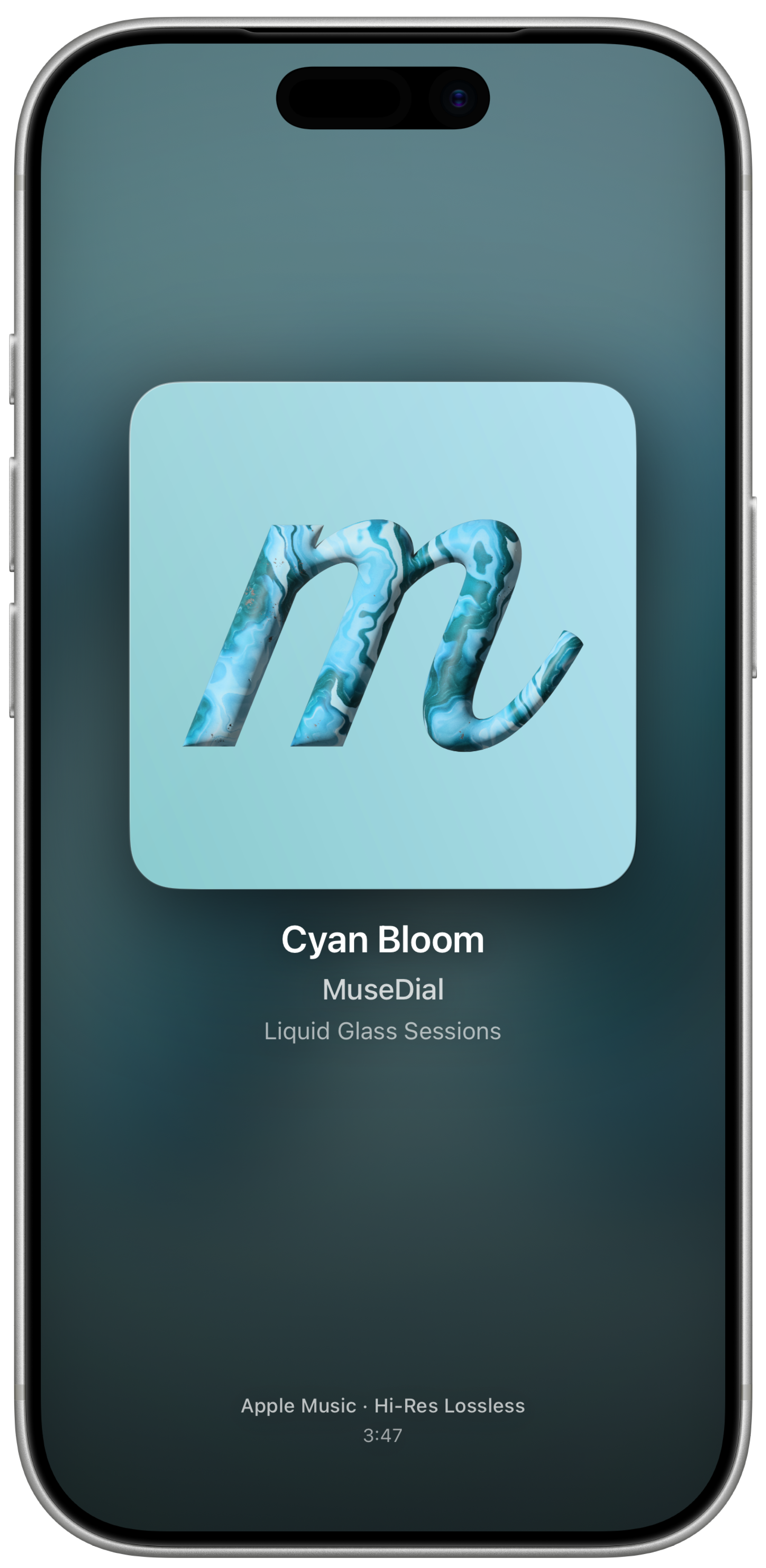
Album Art Expanded
Tap the Soul Screen to open the artwork view. Rotate the cover by touch or motion and view clean track details below.
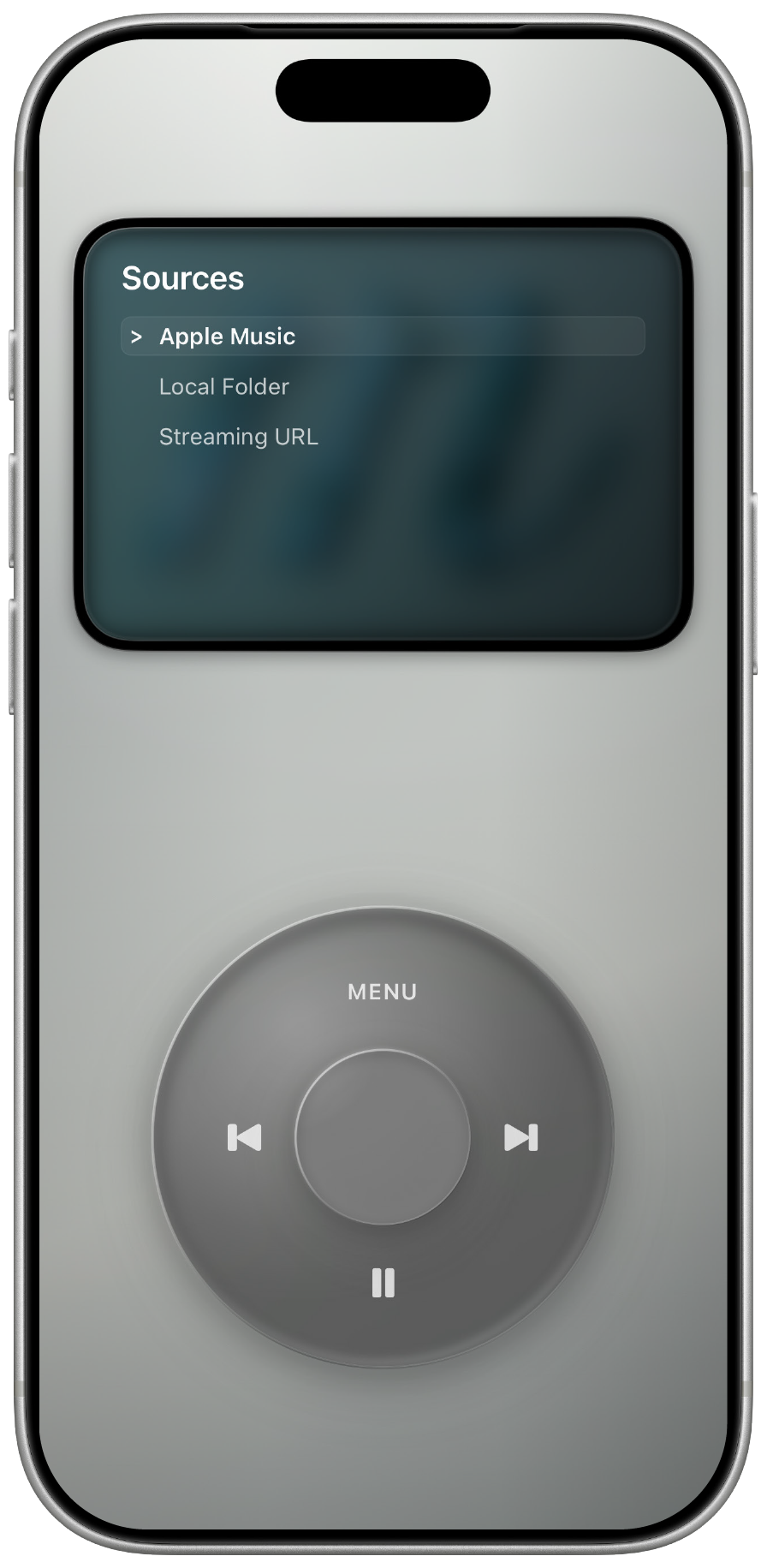
Sources
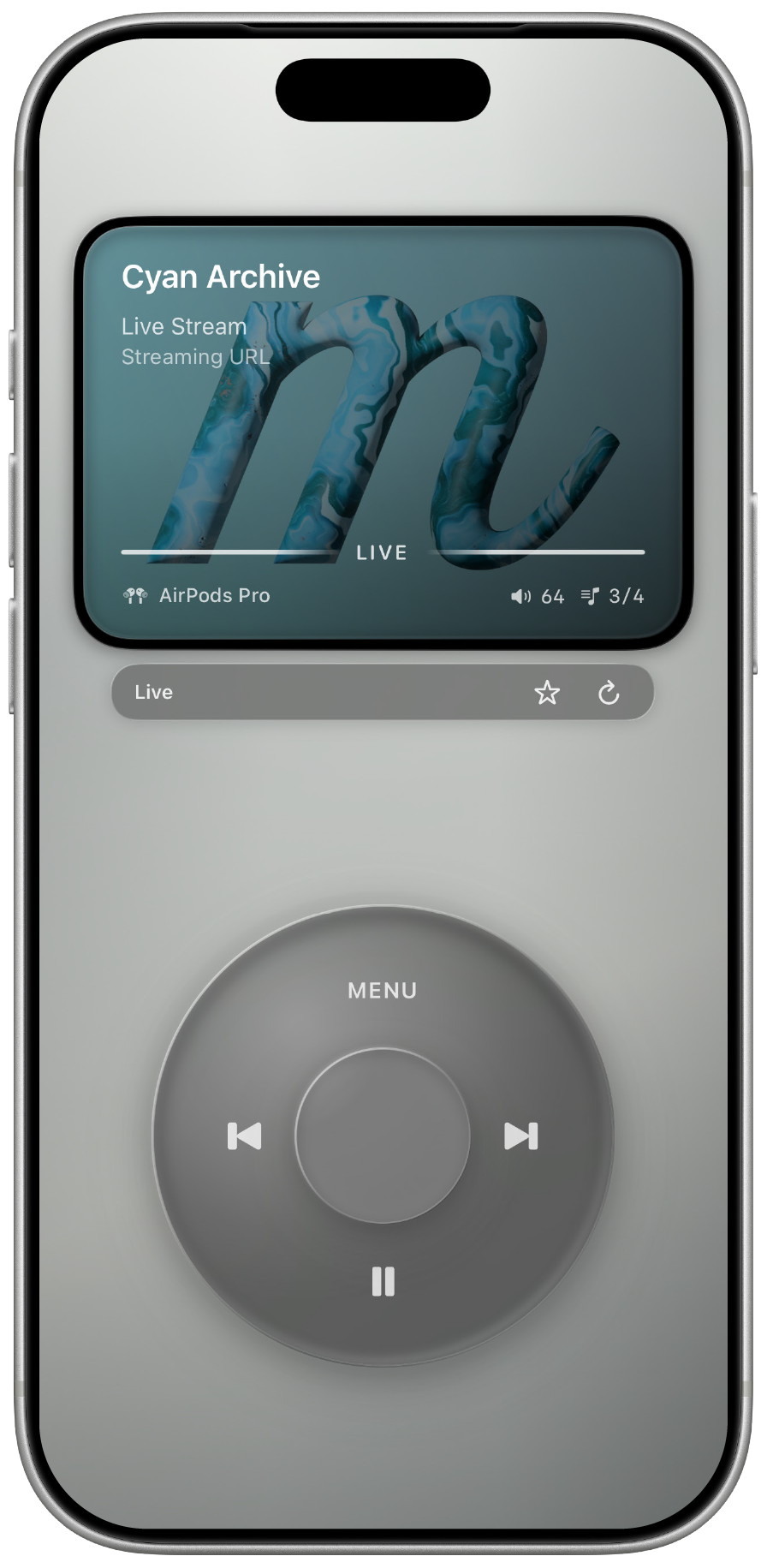
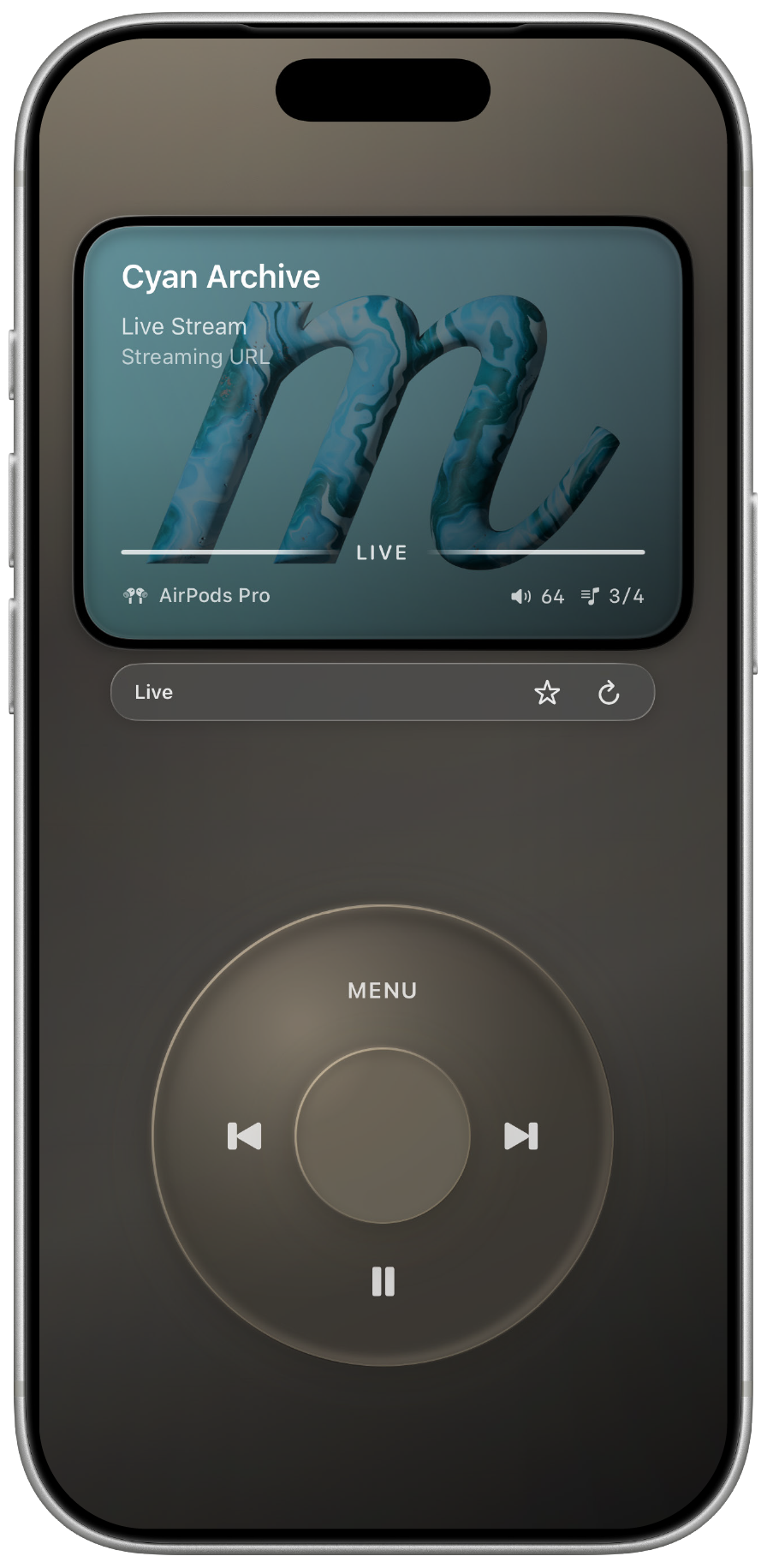
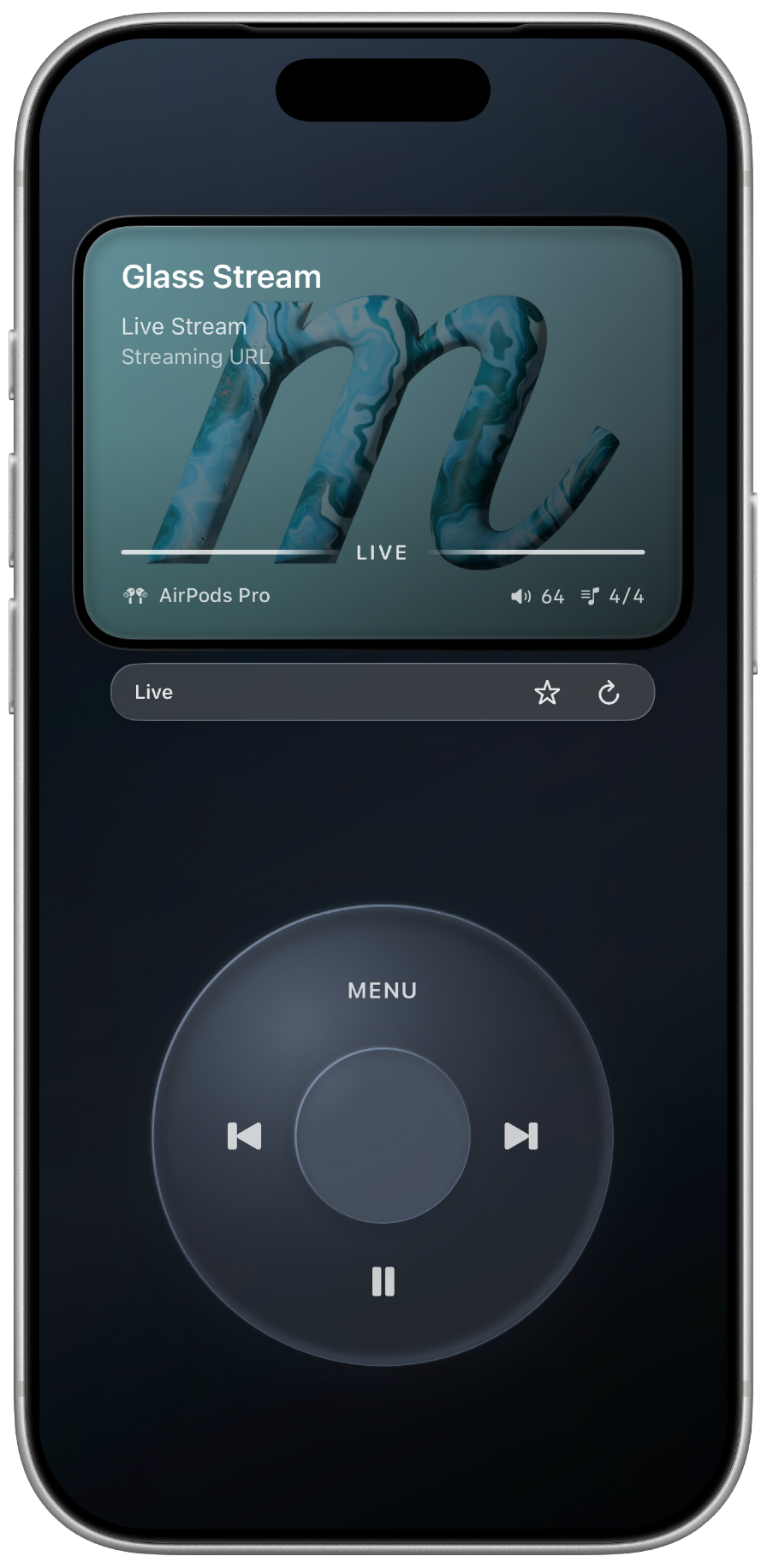
Play from Apple Music, local audio folders, or direct stream URLs - all inside the same MuseDial interface.
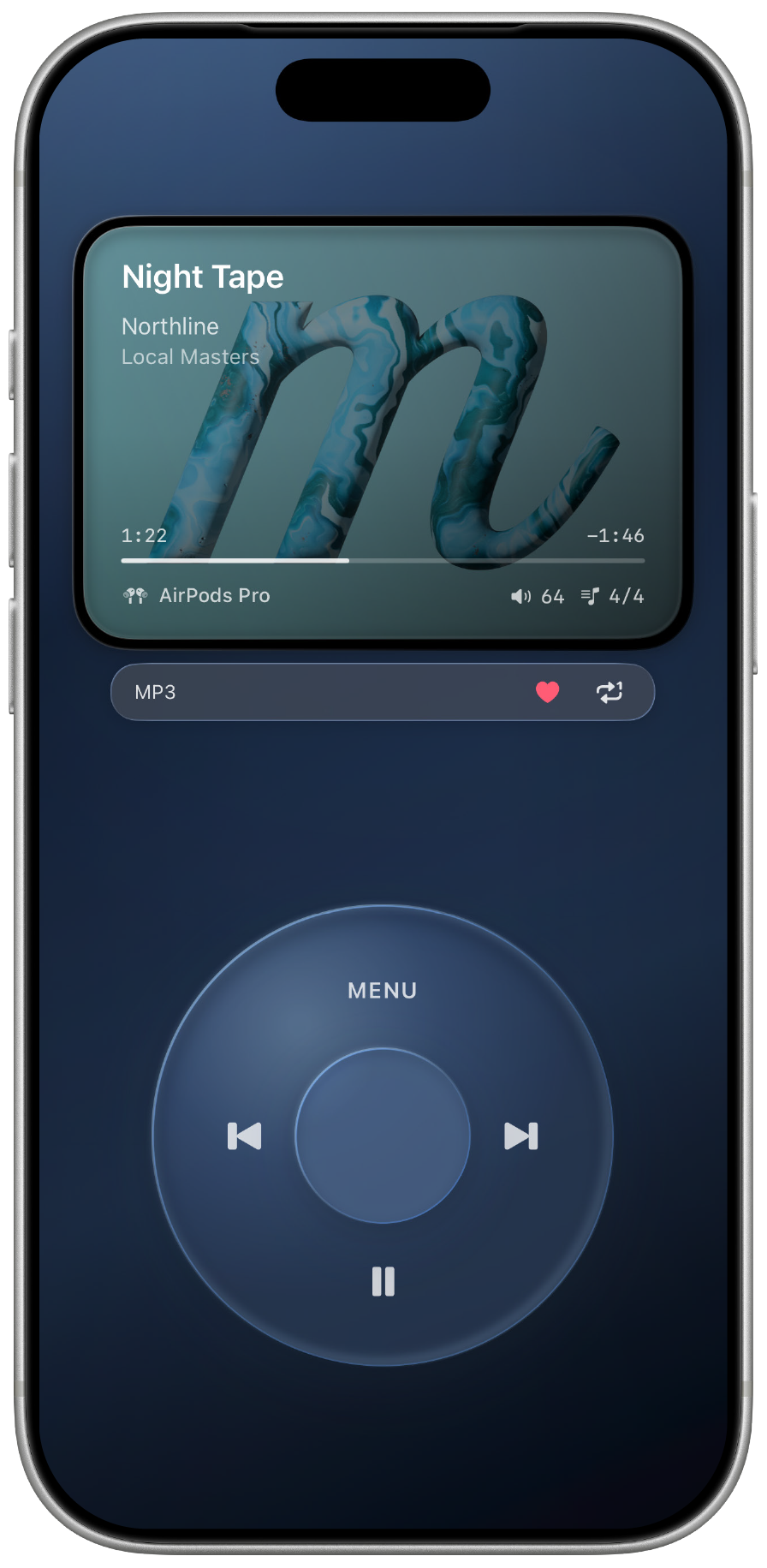
Choose a folder and play files stored on your iPhone.
Play your library, playlists, favorites, and catalog tracks.
Add direct audio or live stream URLs.
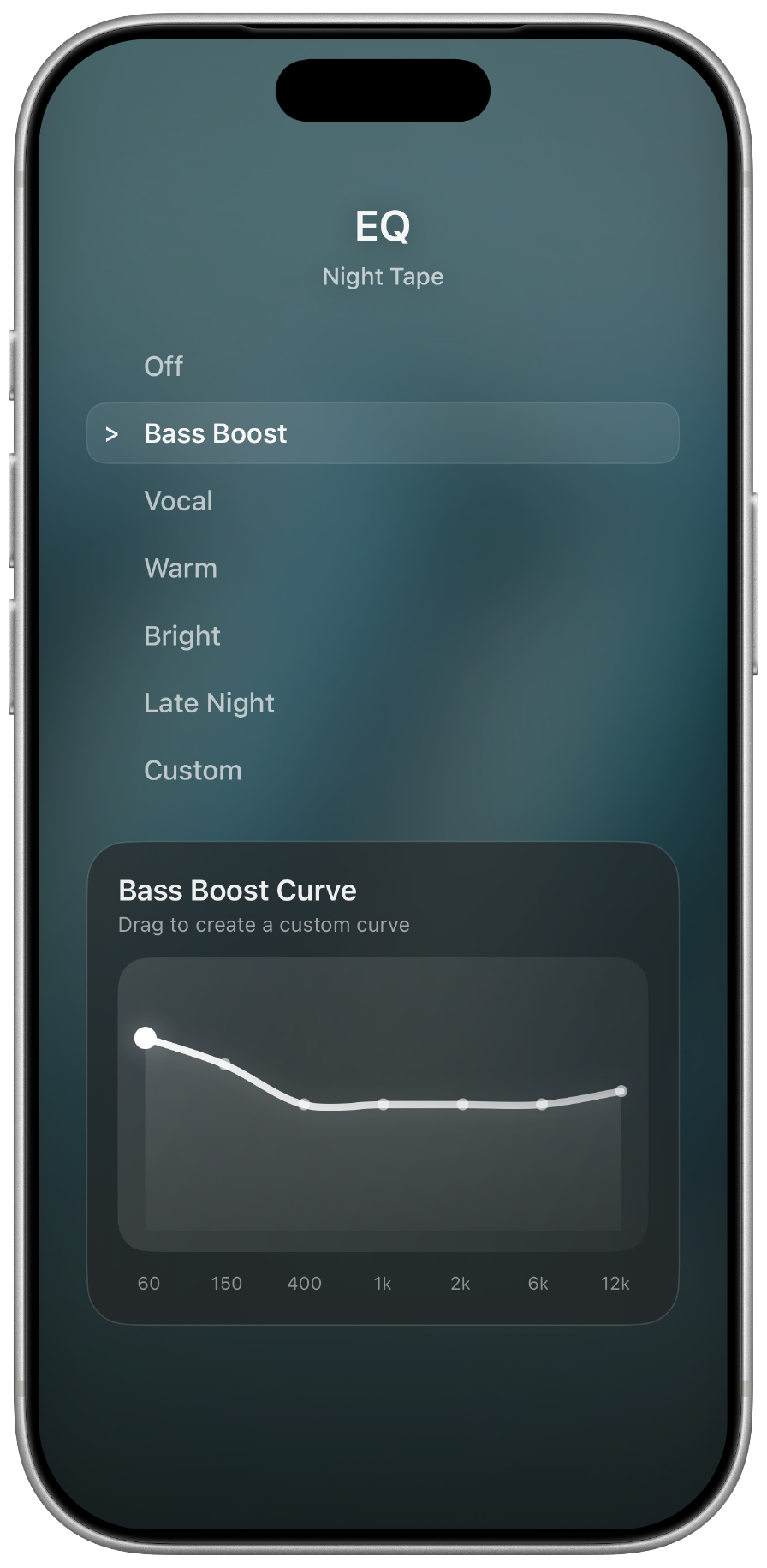
Format + EQ + Tools
MuseDial reads audio format, codec, artwork, sample rate, bit depth, and metadata when available. For supported local audio, per-track EQ lets each song keep its own sound.
* EQ availability depends on the audio source.
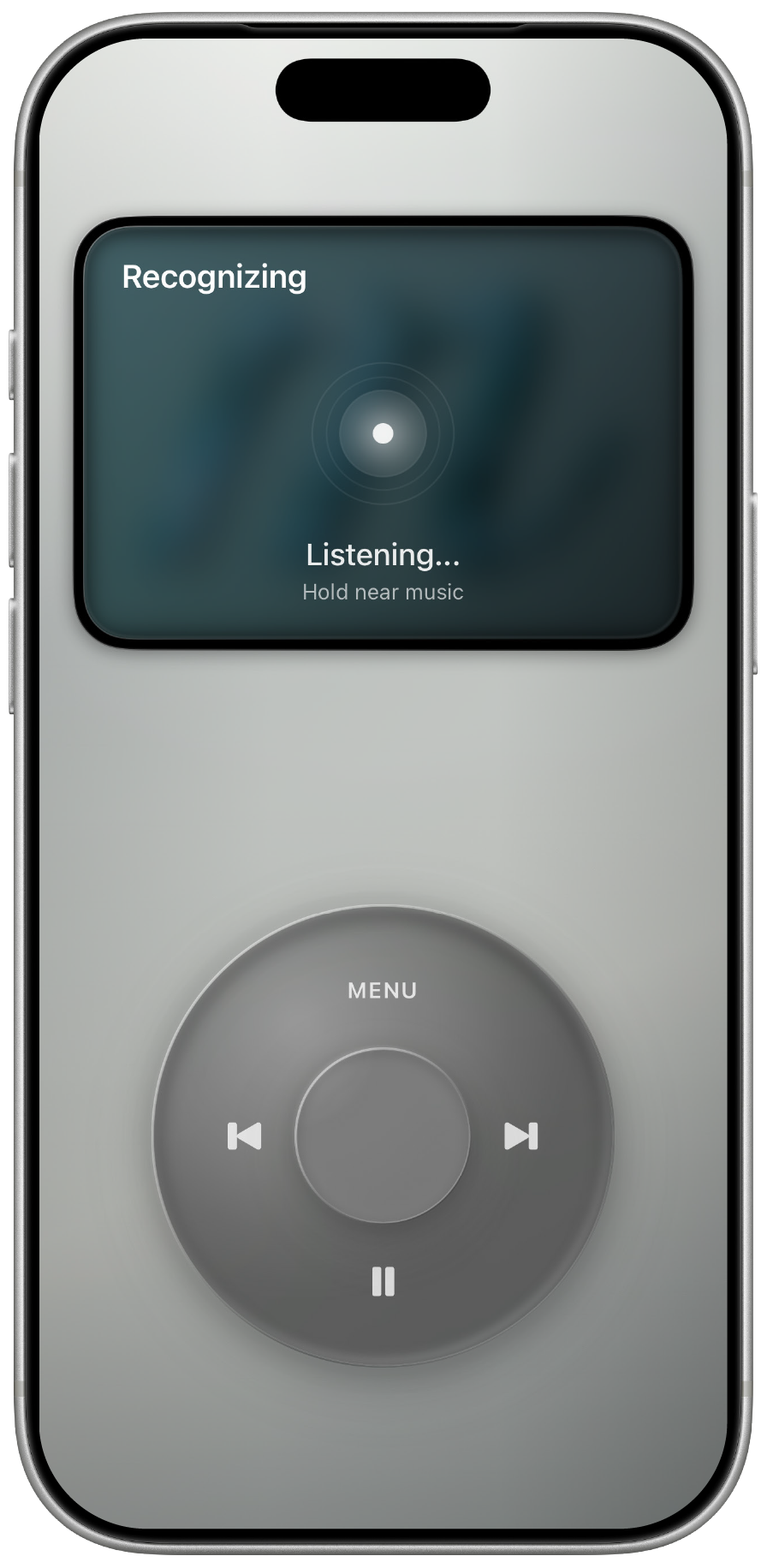
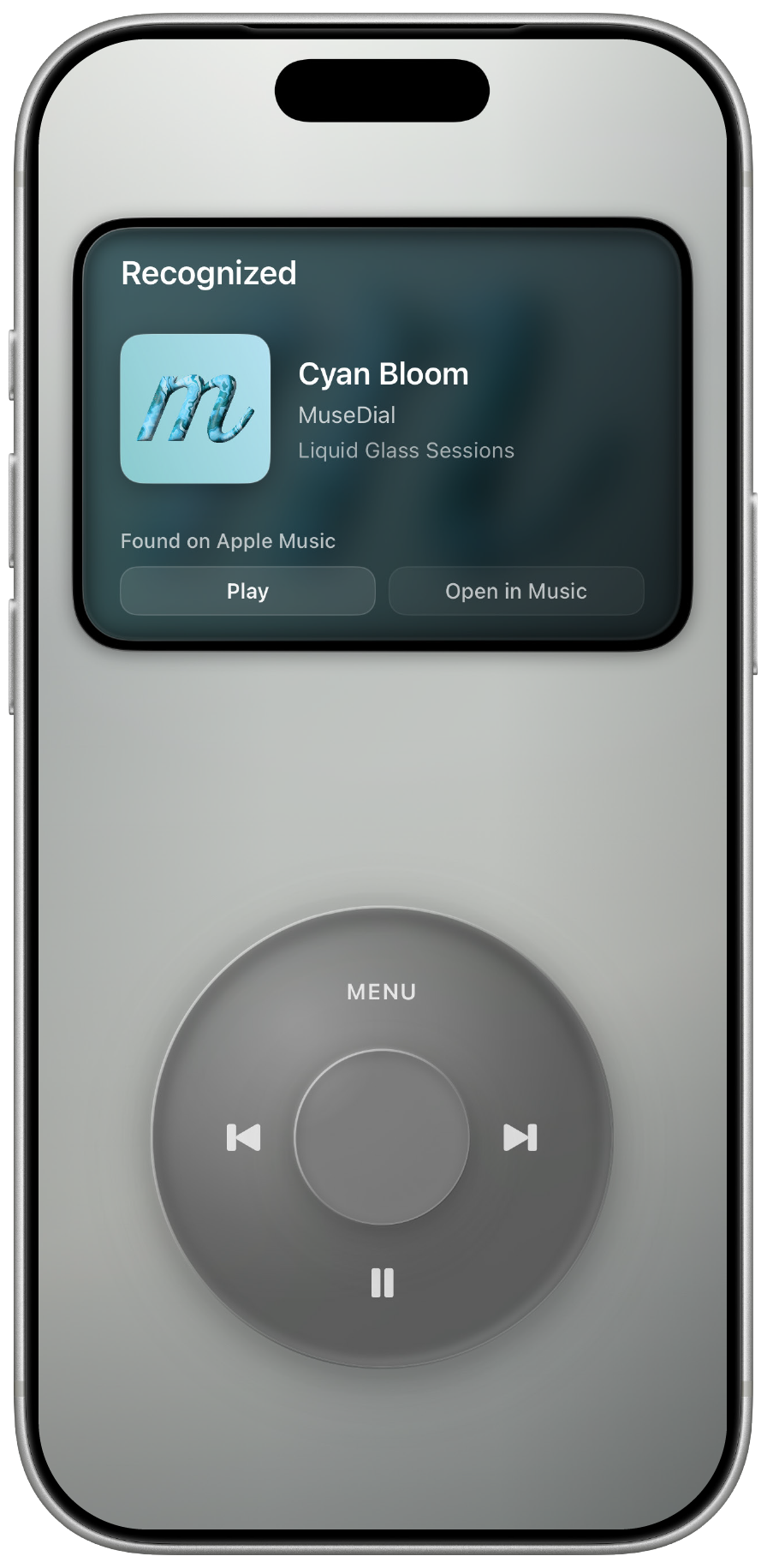
Recognition
Built-in music recognition helps you identify nearby songs and find them in Music.

Themes
Metal-inspired finishes give MuseDial a different character without changing the focused player experience.
Privacy / Local-first
Local audio stays on your device. Folder access is chosen by you. MuseDial does not need an account to play your music.
* Apple Music access requires authentication with an Apple Account and an active Apple Music subscription.
 Built natively with Swift
Pricing
MuseDial is a one-time purchase with no subscription, ads, or separate feature tiers.
App StoreDownloadLaunch price
$6.99
$9.99
Regular price
Launch pricing ends August 24, 2026.
Prices are shown in USD for reference. Regional pricing may vary. The price displayed on your local App Store at the time of purchase applies.
Wallpaper Download
Download the turquoise MuseDial artwork for your iPhone or desktop.
Download Wallpaper